Whatever your site is, the bots have already worked it out
A shop gets card testing. A membership site gets fake accounts by the thousand. A blog gets link spam, and an agency gets all three across twenty client sites at once. Gatekeep reads what you actually run and protects it accordingly - instead of handing you one setting and wishing you luck.
Business websites
Never miss a genuine enquiry again
Suggested profile: Standard
Your contact form is often the first conversation someone has with your business. It is also the most predictable target on the site.
Fake enquiries waste time, spam buries the real messages, and after a while people stop checking the inbox properly. That is when a genuine enquiry gets missed.
- Local businesses, consultants and freelancers
- Professional firms and healthcare practices
- Anyone whose leads arrive through a form
WooCommerce shops
Protect the store without slowing the checkout
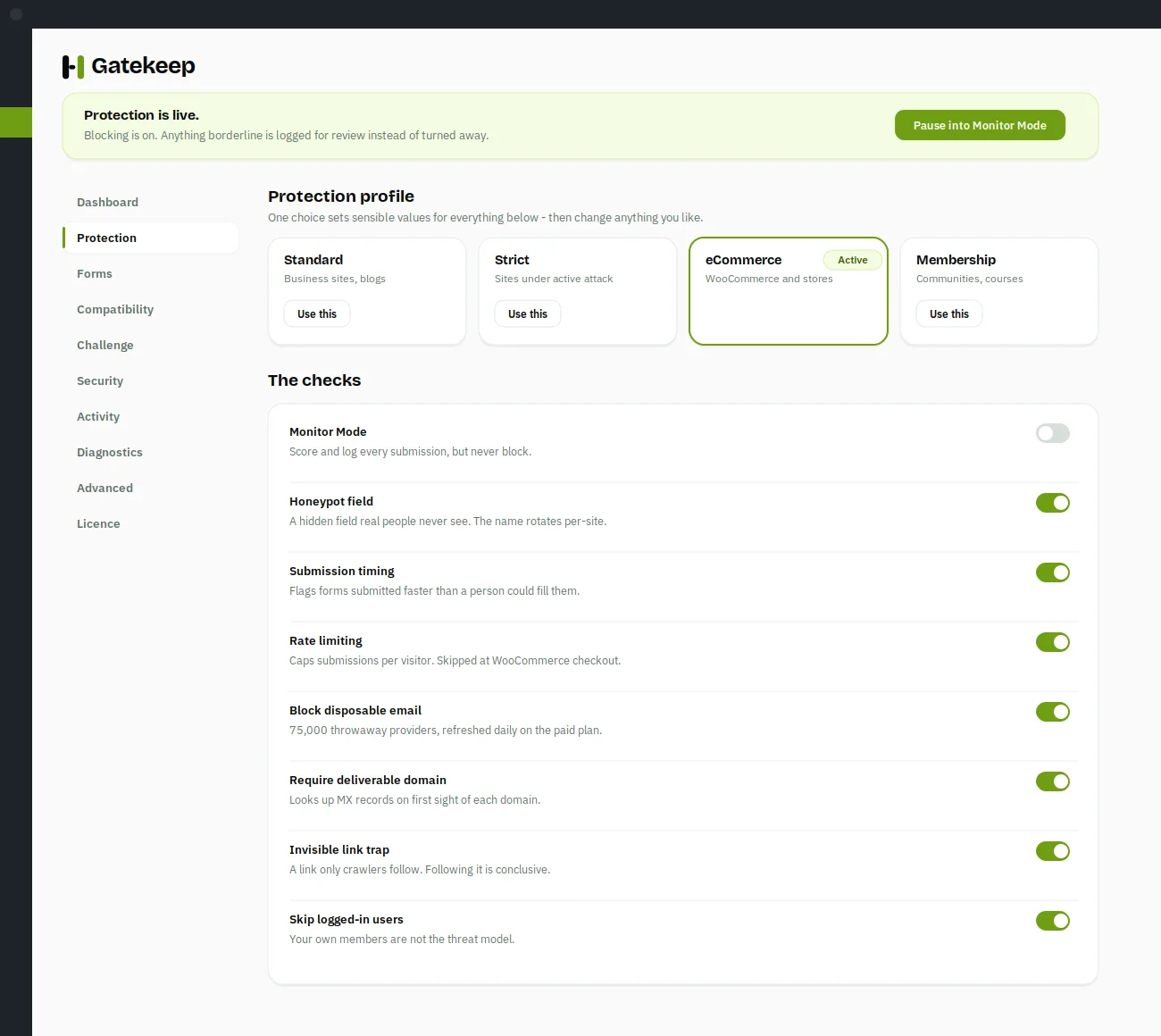
Suggested profile: eCommerce
Shops face more than contact spam. Bots create accounts, hammer the checkout and fill the customer list with addresses that will never buy anything.
The usual fix — a CAPTCHA at checkout — costs real sales. Gatekeep's shop profile deliberately puts nothing visible in front of a buyer, tolerates the instant submission a password manager produces, and raises the rate limits so a busy shop does not trip them.
- Checkout, customer registration and login
- Password reset and account pages
- Every other form on the shop
Membership and community
Keep fake members out of a real community
Suggested profile: Membership & LMS
Communities run on genuine participation. Fake accounts do not just take up space — they create moderation work, distort your numbers, and make the place feel less trustworthy to the members you actually want.
Gatekeep detects community plugins and weights protection towards registration and login, which is where the damage starts.
- BuddyPress and bbPress, both tested live
- MemberDash membership registration
- WordPress registration and login
Courses and learning platforms
Protect enrolment without adding a step
Suggested profile: Membership & LMS
Course sites depend on registrations, and bots know it. But every extra step between interest and enrolment costs you students.
Gatekeep protects sign-up and login while leaving the process itself untouched for real learners.
- Academy LMS course enrolment
- Student account creation and login
- Enquiry forms on course pages
Agencies
One approach across every client site
Agency plan covers fifty sites
Looking after thirty sites should not mean learning thirty security plugins, or explaining to thirty clients why their form stopped working.
Gatekeep behaves the same way everywhere, and a configuration you are happy with can be exported and applied to the next site.
- Settings export and import between sites
- A self-test that answers most client questions before they reach you
- Multisite network support on the Professional plan
Bloggers and publishers
Keep comments open
Suggested profile: Standard
Comments are still one of the most valuable things on a publishing site, and one of the first things people close when the spam becomes unmanageable.
Gatekeep protects the comment form directly, so the conversation can stay open.
- WordPress comments
- Newsletter and subscription forms
- Contributor and author registration
Developers
Two function calls, or as deep as you want to go
Free, including the whole API
Protecting a form you wrote yourself takes two calls: one in the markup, one when handling the submission.
Beyond that there are filters for the scoring, actions for every event, a REST endpoint that is reCAPTCHA-compatible so existing code works by changing one URL, and twenty-two test suites you can run against your own build.
- gatekeep_field() and gatekeep_verify()
- Filters on signals, scoring and rendering
- A reCAPTCHA-compatible /siteverify endpoint
Nonprofits and charities
Less time clearing junk
The free plan is genuinely free
Small teams and volunteers already have more to do than there are hours. Deleting fake submissions is the least valuable thing anyone does in a week.
The free plan covers most of what a charity site needs, permanently and without an account.
- Donation and contact forms
- Volunteer sign-up
- Newsletter subscription
Is Gatekeep right for your site?
It is a good fit if you want to:
- Protect every form, not just the contact page
- Cut spam and fake registrations
- Stop making real visitors solve puzzles
- Understand what is actually happening
- Manage it from one place rather than four
- Start free and pay only if you need more
It is not the right fit if you need a malware scanner, a firewall or file integrity checking. Gatekeep does none of those and is not trying to — run a security suite alongside it.
Questions
Do I need technical knowledge to use Gatekeep?
Can I start with the free version?
Will it still work if my website grows?
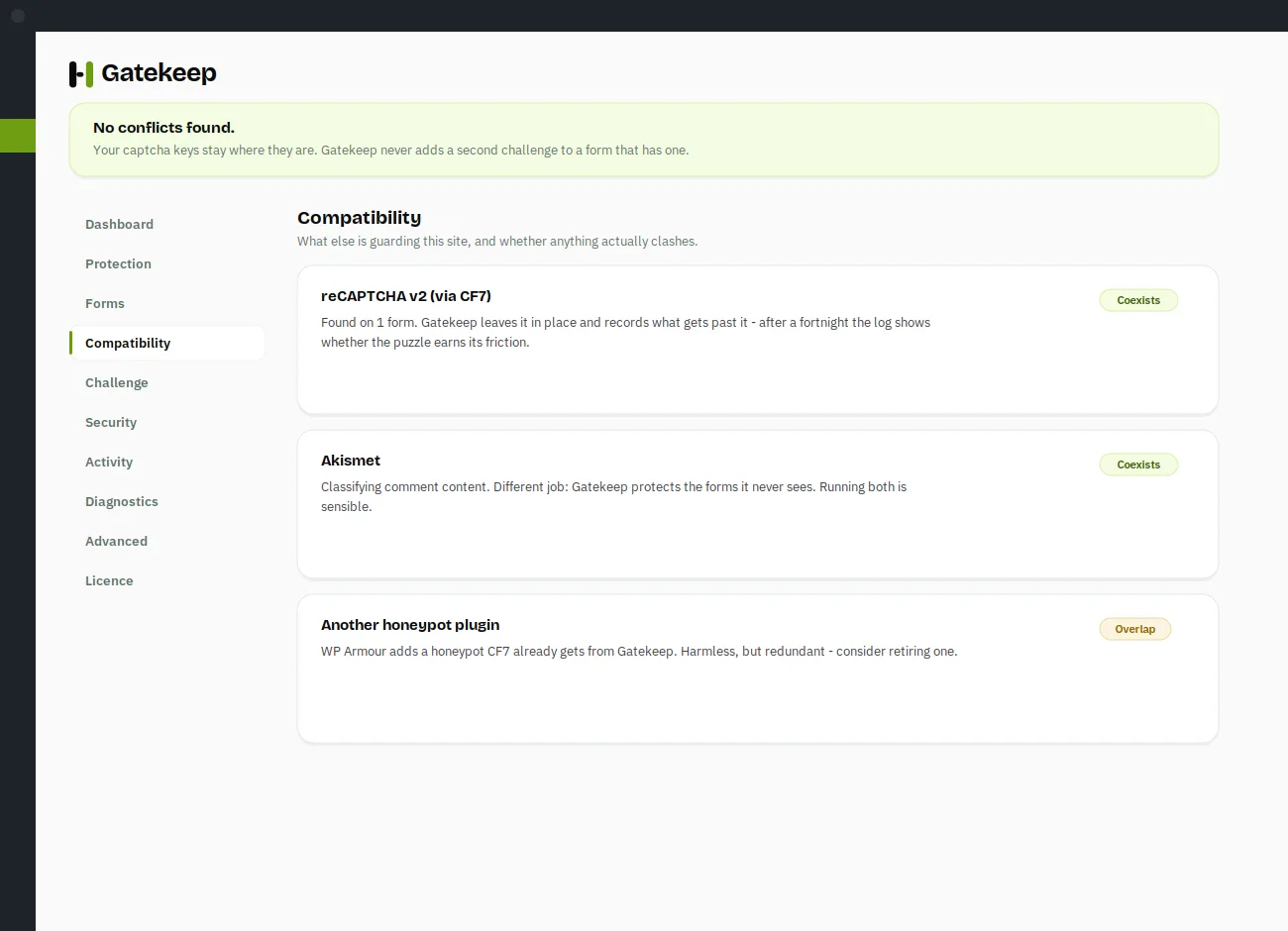
What if I use several form plugins at once?
Whatever you build with WordPress, protect it
Every website has forms. Every form is a way in.
- Free forever
- No account needed
- Nothing to configure
Your next spam submission is already on its way
Do not make your customers solve another puzzle to stop it. Install Gatekeep, let it inspect your site, see what it finds - then decide whether it blocks anything at all. If it is not doing what this page says, delete it; you have lost two minutes.
Two-minute setup - no account - no card - no API key - GPL licensed